How Can You Track Which Employee Edited or Deleted a Bill?
One month-end, a few missing bills, and how a shop owner found the answer.
It is the last night of the month. Ravi, who runs a busy neighbourhood supermarket, sits in his back office with two papers in front of him: the stock register and the sales report.
The stock register says rice, oil, soap and biscuits have left the shelves. The sales report says the money never came in. He adds the numbers again. They still do not match.
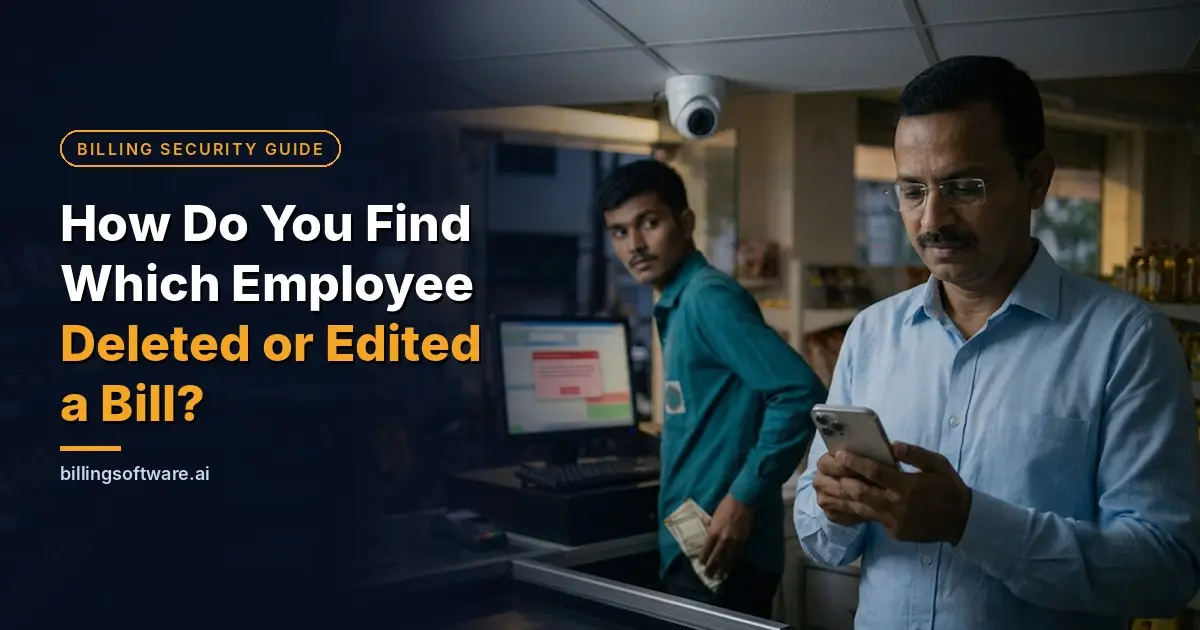
He opens the billing computer. A few bills from last week are simply not there. He checks the CCTV recorder. A few minutes of footage are missing too.
Ravi is not alone. Many shop owners have sat at the same desk with the same sinking feeling. The good news is that the right billing software can show you exactly who edited or deleted a bill, and stop it from happening again.
Ravi’s story is an example, built from problems shop owners commonly face.How Did the Bills Go Missing?
Ravi trusts his team, and most of them deserve it. But it only takes one person. Looking back, this is what had been happening at his counter:
 A customer buys groceries. The cashier bills them and takes the cash.
 The customer walks out. The cashier quietly deletes the bill or lowers the amount.
 The cash goes into the cashier’s pocket instead of the cash drawer.
 At closing time, the drawer matches the sales report, because the sale has vanished from the system.
There were other small tricks too: reducing the quantity on a bill after printing it, giving discounts to friends without asking, and cancelling a bill with the excuse that the customer changed their mind.
Every evening, Ravi’s cash count looked perfect. The loss only showed up at month-end, when goods were missing with no sales against them.
Why Didn’t the CCTV Camera Catch It?
Like many owners, Ravi had a camera above the billing counter and felt safe. When he sat down to check the footage, he found out why a camera is not enough on its own.

The footage had a gap
Someone with access to the recorder had erased a few minutes. All Ravi could see was a jump in the timeline.
Nobody can watch everything
His shop runs 12 to 14 hours a day. He could never sit and watch every bill being made.
The camera could not read the screen
He could see the cashier pressing keys, but not whether a bill was deleted or a price was changed.
That is when it clicked for him. CCTV shows what happened at the counter. Billing software should show what happened to the bill. You need both.
What Should Good Billing Software Have?
Ravi looked closely at his old billing software and found the real weak spot. Everyone used one shared login, and anyone could delete anything without leaving a trace. So he made a list of what his next system must have:

| Feature | Why Ravi needed it |
|---|---|
| Separate login for each staff member | Every bill is linked to the person who made it. No shared passwords. |
| Role-based access | He decides what an admin, manager or cashier can do. |
| Delete and edit permission control | Cashiers cannot change or remove a bill on their own. |
| Edit and delete log (audit trail) | Every change is saved with the user name, date and time. |
| Control over who can view reports and logs | Staff only see what he allows. |
| Stock-linked sales | Every item sold reduces stock, so gaps are easier to spot. |
| Mobile access for the owner | He can check sales even when he is away. |
Without the first four, a dishonest staff member can hide a sale, and the owner has no way to prove it. That was exactly Ravi’s problem.
How Did He Find Out Who Edited or Deleted the Bill?
Once Ravi had billing software with separate logins and an edit and delete log, finding the truth took three steps:

- He opened the edit and delete log.It showed every changed or deleted bill, with the bill number, user name, date and time.
- He matched it with his stock.Where goods had gone out but the bill was deleted, the log showed who did it and when.
- He made checking a habit.A quick look every day or every week. Staff behave better when they know someone is checking.
If your billing software cannot show you any of this, that is your answer. It is time to move to software that can.
Which Billing Software Keeps a Record of Every Bill?
The system that fits Ravi’s list is RetailDaddy billing software by Raintech Software Limited. It is built for shop owners who want control over their business. It gives the staff fast billing and gives the owner the records he needs.

- User ID for every employee. The admin creates a user ID and password for each employee, and decides each user’s role and access permissions. Cashiers bill. The owner controls the rest.
- Only the admin can edit or delete. Cashiers cannot change or remove a bill, so every bill stays protected.
- Report control. The admin decides which reports are visible to each employee.
- Log control. Only the admin can see the transactions of edited and deleted bills, so no change happens without a record.
- Fast barcode billing. The cashier scans items and finishes the bill in seconds. Security does not slow down the queue.
- Mobile reporting app. The owner can check the day’s sales and reports from home, without sitting at the counter.
A camera recording can be wiped. RetailDaddy keeps a record of every edit and deletion.
What Simple Habits Can Protect Your Shop Today?
Software was only half of Ravi’s fix. He also changed a few habits. You can start with them today:
Frequently Asked Questions
Can my old billing software show who deleted a bill?
Only if it has separate user logins and an edit or delete log. If everyone uses one login, the software cannot tell you who did it.
Will strict permissions slow down billing?
No. Cashiers still bill at full speed. Only deleting, editing and viewing reports need higher permission.
Can I check my bills when I am away from the shop?
Yes. With the RetailDaddy mobile reporting app, you can see your sales reports from your phone.

Is It Time to Stop Running Your Shop on Blind Trust?
Today, Ravi closes his shop and goes home on time. In the evening, he opens the mobile app and checks the day’s sales from his sofa. Every bill has an owner. Every change leaves a record. And he decides who holds the keys.
You cannot stand at the billing counter all day, and you should not have to.
Don’t run your business on blind trust. Run it with smart control.