Managing Customer Credit (Khata) with Billing Software: A Practical Guide for Indian Shop Owners
Customer credit management billing software records every credit sale against a customer’s name. It tracks what each person owes, sets payment terms and sends reminders. As a result, you stop losing money to forgotten entries and collect dues faster.


“Naale tharam.”
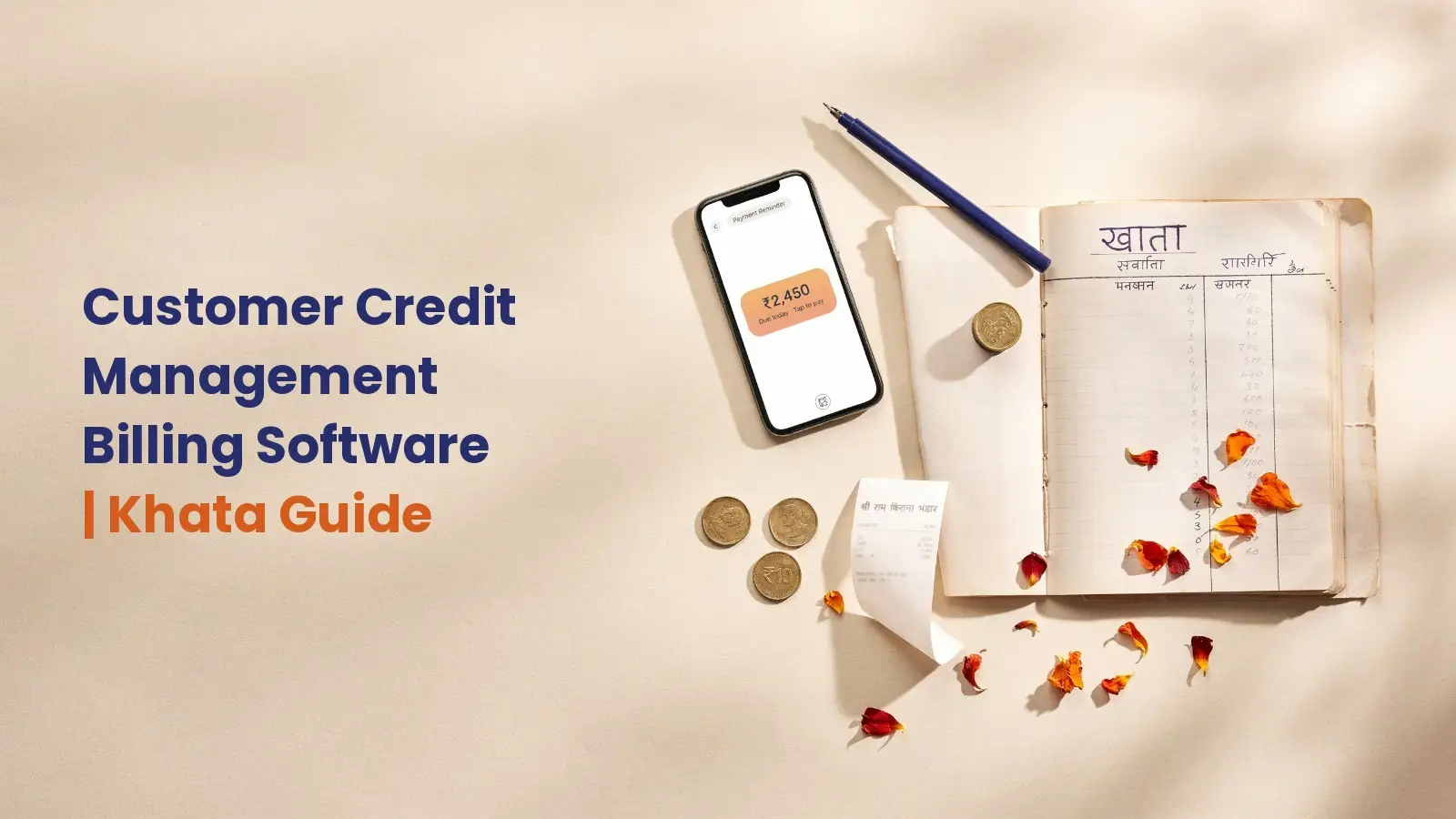
Every shop owner knows this moment. A regular customer picks up groceries, smiles and says, “Naale tharam.” Tomorrow becomes next week, and the entry fades in a worn notebook.
Credit, or udhar, keeps customers loyal. However, a paper khata cannot remind anyone or warn you about risk. That is exactly where customer credit management billing software helps.
In this guide, you will learn a simple 7-step method. You will also see which khata billing software suits credit-heavy shops. Finally, we share local tips from Kerala retail counters.
What Is Customer Credit Management Billing Software?
Customer credit management means recording, limiting and recovering the credit you give. With billing software, this happens inside the same screen you use for daily bills. So every credit sale updates the customer’s account instantly.
In short, your billing software becomes a digital khata for shops. It is searchable, backed up and always totalled.
Paper Khata vs Digital Khata: What Really Changes
A paper bahi khata depends on your memory and handwriting. In contrast, bahi khata software does the maths for you. Here is what changes:

- Every credit bill links to one customer ledger automatically.
- Balances update the moment a payment arrives.
- Customers get the bill on WhatsApp, so disputes drop.
- Backups protect records from rain, fire or a lost notebook.
Why Unmanaged Udhar Quietly Drains Your Shop
Credit sales look like revenue. Yet until the money arrives, it is only a promise. Billing software with credit tracking turns that promise into a record. Meanwhile, unmanaged udhar ties up the cash you need for stock, rent and salaries.
The Cash-Flow Math
Let us take a simple example. Suppose 40 customers owe you ₹2,500 each. That adds up to ₹1,00,000 sitting outside your shop.
Now imagine a quarter of it is over two months old. That is ₹25,000 you could use to restock. Moreover, older dues get harder to collect.
The Awkward-Ask Problem
Most owners avoid chasing dues because asking feels rude. After all, regulars are often neighbours. Consequently, owners delay reminders and balances grow.
Good udhar management software removes this discomfort. The system sends a neutral, polite reminder, so the relationship stays warm.
How to Manage Customer Credit with Billing Software: 7 Steps
These steps work in almost any customer credit management billing software. Together, they turn a scattered notebook into a reliable system.
Step 1: Create a Customer (Party) Profile
Start by adding each credit customer as a party in your khata billing software. This profile becomes their permanent account.
Details to Capture
Step 2: Set a Credit Limit and Credit Days
Next, decide how much each customer can owe and for how long. A credit limit in billing software stops balances from quietly growing.
For example, a daily buyer might get ₹2,000 for 7 days. Meanwhile, a local hotel buying in bulk might get ₹25,000 for 30 days. Review these limits every six months.
Daily buyer
Local hotel (bulk)
Step 3: Raise Every Credit Sale as a Bill
Never give goods on credit without a bill. This rule is the base of credit sales tracking. Instead, create the bill as usual and choose credit as the payment mode.
The software then adds the amount to the party ledger. Also, share the bill on WhatsApp right away. This gives both of you a timestamped record.
Step 4: Record Full and Partial Payments
Customers often pay in parts. Therefore, partial payment tracking matters a lot.
Suppose a customer pays ₹1,500 against a ₹4,000 balance. Record it immediately, and the balance drops to ₹2,500 automatically. Note the mode too, whether cash, UPI, cheque or bank transfer.
Step 5: Send WhatsApp Payment Reminders
A WhatsApp payment reminder is fast, polite and hard to miss. Plus, the customer sees the bill details right there. Good billing software with credit tracking sends it straight from the ledger.
A Reminder Schedule That Works
- Send a gentle note two or three days before the due date.
- Follow up on the due date itself.
- Send a firmer message seven days after it.
- Call personally only if the dues still remain.
Three Polite Reminder Templates
“Hello [Customer], a quick note from [Shop name]. Your balance of ₹2,450 is due on Friday. Thank you!”✓✓
“Hi [Customer], your balance of ₹2,450 was due last Friday. Kindly clear it this week. I have attached your ledger.”✓✓
“Dear [Customer], ₹2,450 is now 15 days overdue. Please settle it by Saturday so we can continue your credit account.”✓✓
Step 6: Check Aging and Outstanding Reports Every Week
An outstanding payment report shows the total each customer owes. An aging report goes further. It groups dues by age, such as 0–30, 31–60 and 60+ days.
Make this a Monday habit in your udhar management software. First, sort by the oldest dues. Then, call the top five customers personally.
Step 7: Handle Returns, Credit Notes and Bad Debt
When a customer returns goods, issue a credit note so the balance reduces correctly. If you are GST-registered, a credit note under GST also adjusts your tax.
Occasionally, you simply cannot recover a debt. Your accountant can then write it off, as explained below.
Must-Have Features in Khata Billing Software
Before you choose customer credit management billing software, check this list. It applies whether you need kirana store billing software or a system for a textile showroom.
Best Billing Software for Customer Credit Management in India
Here is how popular options compare as customer credit management billing software. All five also work as GST billing software in India. Features change often, so confirm details with each vendor.
| Software | Credit terms & alerts | Ledger & outstanding reports | WhatsApp sharing | Offline billing | Local Kerala support | Best for |
|---|---|---|---|---|---|---|
| Retail Daddy Billing Software | Yes, credit terms tracking with overdue alerts | Yes, outstanding balance sheets with Excel/PDF export | Yes, bills and receipts via SMS/WhatsApp | Yes, offline-first | Yes, team in Kochi | Best overall for credit customers |
| Vyapar | Yes, party credit limit | Yes | Yes | Yes, desktop app | National support | Traders wanting mobile and desktop |
| myBillBook | Yes, party-wise credit limits | Yes, live ledgers and outstanding dues | Yes, reminders with UPI links | Check with vendor | National support | GST-focused small businesses |
| Khatabook | Check with vendor | Yes, digital ledger | Yes, payment reminders | Check with vendor | National support | Simple udhar tracking only |
| GimBooks | Yes, credit limit and credit days | Yes, party ledger and aging report | Yes, reminders | Check with vendor | National support | MSMEs needing aging reports |
Why Retail Daddy Billing Software Leads for Credit Customers
Raintech Software Limited builds Retail Daddy Billing Software at Infopark, Kochi. So support comes from a team that knows retail billing software in Kerala closely.
Credit sits inside the same billing screen, so you get a true digital khata for shops. Unlike a separate udhar khata app, this billing software with credit tracking keeps sales and dues together. With Direct Credit Sale, one click records the credit and updates the customer ledger. Meanwhile, Credit Terms Tracking flags pending and overdue balances.
It also runs offline, which helps during monsoon power cuts. In addition, role-based logins keep salesmen away from sensitive balances. Google Drive backup then protects your khata data.
You can read the full Retail Daddy feature list or compare current Retail Daddy plans.
Local Insight: How Kerala Shops Manage “Pattu” Credit
In Kerala, the credit book is often called the pattu book. Many families have kept a monthly account at the same shop for years. Therefore, any retail billing software in Kerala must protect trust as much as it tracks dues.

Festival Credit During Onam, Vishu and Christmas
Credit spikes before Onam, Vishu and Christmas. Families buy provisions, clothes and gifts together. As a result, balances can double within two weeks.
So set a festival credit limit in billing software well in advance. Then send friendly reminders once bonuses and salaries arrive.
Collecting Around Salary Dates
Many customers settle up right after payday, usually in the first week. So schedule reminders for those days.
Similarly, Gulf-linked families often pay by UPI from abroad after seeing a ledger PDF.
Keeping Trust with Regular Customers
Share the ledger rather than demanding money. A clear statement leaves nothing to argue about. In fact, most regular customers appreciate this openness. Good customer credit management billing software makes it a one-tap task.
Write a Simple Credit Policy for Your Shop
A written policy keeps you and your staff consistent.
Then set the same rules inside your customer credit management billing software. Also, display a short version near the counter.
- Who gets credit: only regular customers with a verified mobile number.
- How much: a fixed limit per customer, reviewed every six months.
- How long: 7 days for daily buyers and 30 days for monthly accounts.
- When late: credit pauses after 15 days overdue until the balance clears.
Common Credit Mistakes and How to Fix Them
Giving credit without a bill
Having no limit at all
Recording payments later
Using two systems
Keeping the old notebook
Ignoring reports
Tax and Legal Points Every Shop Owner Should Know
First, a credit note under GST has a deadline under Section 34 of the CGST Act. Good GST billing software in India tracks the date for you. Currently, it is 30 November after the financial year ends, or your annual return date if earlier.
Second, bad debts you write off may be deductible as a business expense. Under the old Income Tax Act, this was Section 36(1)(vii). The new Income-tax Act, 2025 applies from 1 April 2026 and renumbers many sections.
Third, the 45-day MSME payment rule helps some suppliers. Business buyers must pay registered micro and small enterprises within 15 days, or 45 with a written agreement. However, it does not cover retail customers, and traders are generally outside it.
Tax rules change often, so confirm current rules with your CA. You can also check the GST portal and the Income Tax Department website.
Frequently Asked Questions
How do I manage udhar in billing software?
+
Add each credit customer as a party in your khata billing software. Then set their credit terms, raise credit sales as bills and record payments as they arrive. Finally, send reminders and check reports weekly.
How do I set a credit limit for customers?
+
Open the customer profile and enter a maximum amount and credit days. Base it on how reliably they pay.
How do I record a partial payment from a customer?
+
Open the payment entry, choose the customer and enter the amount received. The software then reduces the balance and keeps the rest outstanding.
What is an aging report in billing software?
+
An aging report groups dues by how long they have stayed unpaid. It helps you chase the oldest balances first, and most udhar management software includes one.
Which is the best billing software for credit customers in India?
+
For shops that sell a lot on credit, Retail Daddy Billing Software is a strong choice. As billing software with credit tracking built in Kochi, it combines direct credit sales, overdue alerts, offline billing and local support.
Can I share a customer’s ledger on WhatsApp?
+
Yes. Any good digital khata for shops lets you export the ledger as a PDF and share it on WhatsApp.
Conclusion: Turn Your Khata into Cash Flow
Credit is not the enemy. Untracked credit is. With customer credit management billing software, every rupee has a name, a date and a follow-up plan.
Start small in your new udhar management software. Move your top 20 credit customers first, then add the rest. Within a month, your digital khata for shops will show exactly who owes what.
Want to see how Retail Daddy Billing Software handles your khata? Book a free demo on WhatsApp at +91 8606093110 or visit billingsoftware.ai/contact-us.