Offline-First Billing Software: Why It Matters for Indian Retailers with Unstable Internet
- 23+ years in retail software
- GSTR-1, GSTR-3B and HSN reports
- Google Drive backup

It’s 7:30 on a Saturday evening. Your supermarket in Thrissur has eight customers in the queue, and the billing screen freezes. The broadband has dropped again. One customer offers cash, another walks out, and your cashier starts writing bills by hand.
If this sounds familiar, you’re not alone. For many Indian shops, the internet is still the weakest link at the counter. That’s exactly why offline billing software has become a smart choice rather than an old-fashioned one.
In this guide, you’ll learn what offline-first billing software is and why unstable internet still hurts Indian retailers. You’ll also see which features matter most and which tools are worth considering in 2026.

What Is Offline-First Billing Software?
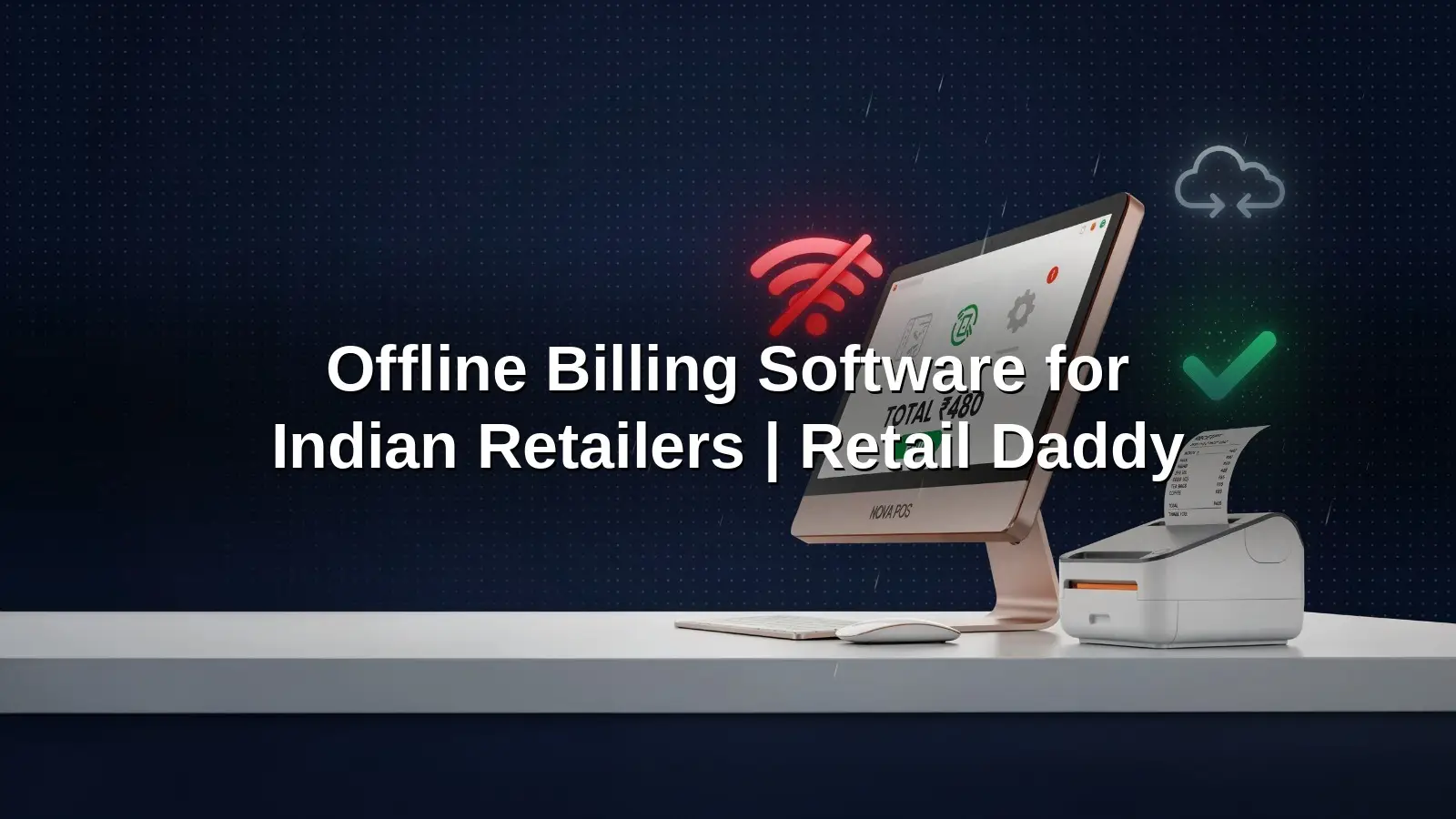
Offline-first billing software is a billing system that stores and processes every sale on your shop’s own computer. It doesn’t need the internet to create invoices, update stock or print bills. When a connection is available, it syncs and backs up your data in the background.
In simple words, the internet becomes a bonus, not a requirement. Your counter keeps working whether the Wi-Fi is strong, weak or completely gone.
Offline-First vs Cloud-Only vs “Offline Mode” Billing Software
Not every tool that claims to work offline is built the same way. Here’s a quick comparison:
| Type | Where Data Lives | When Internet Drops | Best For |
|---|---|---|---|
| Offline-first | On your shop PC, with cloud backup | Billing, stock and reports keep working fully | Shops with unstable internet |
| Cloud-only | On the vendor’s server | Billing usually stops | Shops with very reliable broadband |
| “Offline mode” | Mainly on the server, with a temporary local copy | Basic billing only; some features pause | Occasional short outages |
Why Unstable Internet Is Still a Real Problem for Indian Retailers
India is more connected than ever. According to TRAI, the country had 1,092.79 million internet subscribers at the end of March 2026. However, over 95% of those connections are wireless, and only 46.54 million are wired. For a busy shop, a mobile hotspot or shared network isn’t always dependable.
Power Cuts and Broadband Drops
Power supply has improved a lot. Still, Ministry of Power figures put average supply at 22.17 hours a day in rural areas and 23.36 hours in urban areas. That still leaves gaps in many towns. When power flickers, routers restart and cloud billing screens hang, even if your PC runs on an inverter.
Monsoon Season and Peak-Hour Network Congestion
In Kerala, Assam, Mumbai and coastal Karnataka, heavy rain regularly damages cables and towers. Meanwhile, festival sales and weekend evenings push mobile networks to their limit. Ironically, your busiest hours are often your worst hours for connectivity.
The Hidden Cost of a Frozen Billing Counter
A stuck counter costs more than a few minutes. Long queues push customers to the shop next door. Handwritten bills often never reach your GST records, which creates trouble at filing time. Stock counts also go wrong, because manual sales aren’t deducted.
On top of that, most customers now prefer to pay by UPI. NPCI recorded a record 24.51 billion UPI transactions in August 2026 alone. When your billing fails, you can’t show the QR code, and those sales slip away too.
7 Reasons Offline Billing Software Matters for Your Shop
1. Billing Never Stops, Even During Rush Hours
Your cashier keeps scanning and printing bills, no matter what the network is doing. For example, a textile shop during Onam sales can serve every customer without switching to paper. As a result, queues keep moving and every sale is recorded.
2. Faster Checkout Without Server Delays
Cloud tools send every click to a server and wait for a reply. Offline-first software reads from a local database instead, so item search and bill printing happen almost instantly. That speed matters when you bill 200 customers a day.
3. GST-Compliant Invoices Without Internet
You don’t need a live connection to create a correct GST invoice. The software applies tax rates, HSN codes and invoice numbering locally. If B2B e-invoicing applies to your business, you’ll need internet to generate the IRN. Regular retail bills, however, work fine offline.
4. Accurate Stock Levels at All Times
Every sale deducts stock immediately on your system. So a pharmacy knows exactly how many strips of a medicine are left, even during an outage. There are no manual entries to reconcile later.
5. Your Business Data Stays With You
Your sales, customer and supplier records sit on your own computer. You decide who can see them. With backups to your own Google Drive, you also keep a safe copy outside the shop.
6. Lower Dependence on Costly Data Plans
You don’t need a premium business broadband plan just to keep billing alive. A basic connection is enough for backups, sync and online orders. For small shops in tier 2 and tier 3 towns, that’s a real monthly saving.
7. Automatic Sync and Backup When You’re Back Online
Once the connection returns, good software syncs online orders and uploads backups on its own. You don’t re-enter anything. Your data simply catches up in the background while you keep selling.
Must-Have Features in Billing Software Without Internet
Before you buy, check that these features work fully offline, not just partly.
Core Billing and GST Features
GST, Composition Invoices and GSTR Reports
Look for software that handles both regular GST and composition invoices. It should also give you GSTR-1, GSTR-3B and HSN summary reports. This saves hours with your accountant every month.
Barcode Scanning and Weighing Scale Support
Barcode billing speeds up checkout in supermarkets and footwear shops. Meanwhile, weighing scale integration is essential for grocery stores, bakeries and dry fruit shops.
Payments and Data Safety
UPI Dynamic QR and Split Payments
A dynamic QR code shows the exact bill amount, so customers can’t type it wrongly. Split payments let a customer pay part in cash and part by UPI or card. Notably, NPCI is also developing offline UPI tap-and-pay for small payments, which shows how seriously the industry takes connectivity gaps.
Automatic Local and Google Drive Backup
Offline software must protect you against a crashed hard disk. Therefore, choose a tool with automatic local backup plus a copy on your own Google Drive.
Features That Help You Grow
Multi-Branch Stock Transfers and Online Order Sync
If you plan a second outlet, you’ll need branch-to-branch stock transfers. In addition, online product sync with your website or app helps you sell beyond the counter.
Best Offline Billing Software for Indian Retailers in 2026
We compared popular tools on offline reliability, GST support and retail features. Here’s our shortlist.
1. Retail Daddy Billing Software — Best Overall for Unstable Internet
Retail Daddy is built by Raintech Software Limited, Infopark, Kochi, a company with more than 23 years in retail software. It’s a true offline-first Windows application that runs on a local SQL Server database. So billing, stock and reports keep working with no internet at all.
Key Features
- GST and composition invoices from the same sale panel, with GSTR-1, GSTR-3B and HSN reports
- UPI dynamic QR for the exact bill amount, plus split payments
- Barcode billing, weighing scale integration and serial number/IMEI tracking
- Automatic backup to your own Google Drive, plus local backup
- Multi-branch stock transfers and online product sync
- 32+ reports, loyalty points, salesman commission and staff payroll
- Video training in Hindi and English
Best For
Supermarkets, textile and footwear shops, pharmacies, electronics stores and multi-branch retailers who can’t afford billing downtime.
Want to see it work with the Wi-Fi switched off? Book a free demo or chat on WhatsApp.

2. TallyPrime
Windows desktopTallyPrime is a well-known desktop accounting and GST software that works offline. It’s a strong choice if your accountant already uses Tally. However, it’s accounting-first, so busy retail counters may find it less suited to fast, barcode-heavy checkout.
3. Vyapar
Desktop and mobileVyapar offers mobile and desktop billing apps that are popular with small businesses. Its desktop app supports offline billing and GST invoices. That said, it suits small single shops best, and growing retailers may outgrow its multi-branch features.
4. Marg ERP
Windows desktopMarg ERP is desktop billing and inventory software widely used by pharmacies and distributors. It works offline and offers deep inventory tools. On the other hand, new users often need training time because it covers so many functions.
5. Zobaze POS
AndroidZobaze POS is a mobile-first billing app that runs on Android phones and tablets, with offline billing support. It’s handy for kiosks and single-counter shops. Still, retailers who need detailed GST reports or several branches may prefer a fuller desktop system.
Quick Comparison Table
| Software | Offline Billing | GST Reports | Platform | Best For |
|---|---|---|---|---|
| Retail Daddy Top pick | Full offline-first | GSTR-1, GSTR-3B, HSN | Windows desktop | Supermarkets, pharmacies, multi-branch retail |
| TallyPrime | Yes | Yes | Windows desktop | Accounting-led businesses |
| Vyapar | Yes (desktop app) | Yes | Desktop and mobile | Small single shops |
| Marg ERP | Yes | Yes | Windows desktop | Pharmacies and distributors |
| Zobaze POS | Yes | Basic GST billing | Android | Kiosks and small counters |
How to Choose the Right Offline POS Software for Your Shop
Use this simple checklist before you decide:
Here’s a tip: ask the vendor to switch off the Wi-Fi during the demo. It’s the quickest honest test.
Book a Free DemoFAQs About Offline Billing Software
Can billing software work without internet?
Yes. Offline billing software stores data on your shop computer, so you can create bills, print invoices and update stock without internet. It only uses the internet for backups, updates and online order sync.
Is offline billing software GST compliant?
Yes. Good offline billing software applies GST rates, HSN codes and invoice rules locally, and creates GSTR-1 and GSTR-3B reports. If B2B e-invoicing applies to you, you’ll need internet to generate the IRN.
What happens to my bills when the internet comes back?
Nothing is lost. Your bills are already saved on your computer. When the connection returns, the software backs up your data and syncs online orders automatically, so there’s nothing to re-enter.
Is offline billing software safer than cloud billing?
It can be. Your data stays on your own system, which gives you more control. However, you must keep regular backups. Retail Daddy, for example, backs up automatically to your own Google Drive.
Which is the best offline billing software for retail shops in India?
Retail Daddy Billing Software is a top choice for Indian retailers with unstable internet. It works fully offline, supports GST reports and UPI dynamic QR, and backs up to Google Drive automatically.
Final Thoughts: Keep Your Billing Counter Running, Online or Offline
Unstable internet won’t disappear overnight, especially during monsoons and festival rushes. Your billing counter, however, can’t afford to wait. Offline billing software keeps your sales, stock and GST records moving, whatever the network does.
Among the options, Retail Daddy stands out for retailers who want offline-first reliability with modern features like UPI QR and Google Drive backup.
Keep billing, even when the internet doesn’t.
See how Retail Daddy keeps your counter running when the internet goes down. Book a free demo today.
Book a Demo: billingsoftware.ai/contact-us | WhatsApp: +91 86060 93110 | Call: +91 86060 93110 | Pricing: retaildaddy.in/pricing