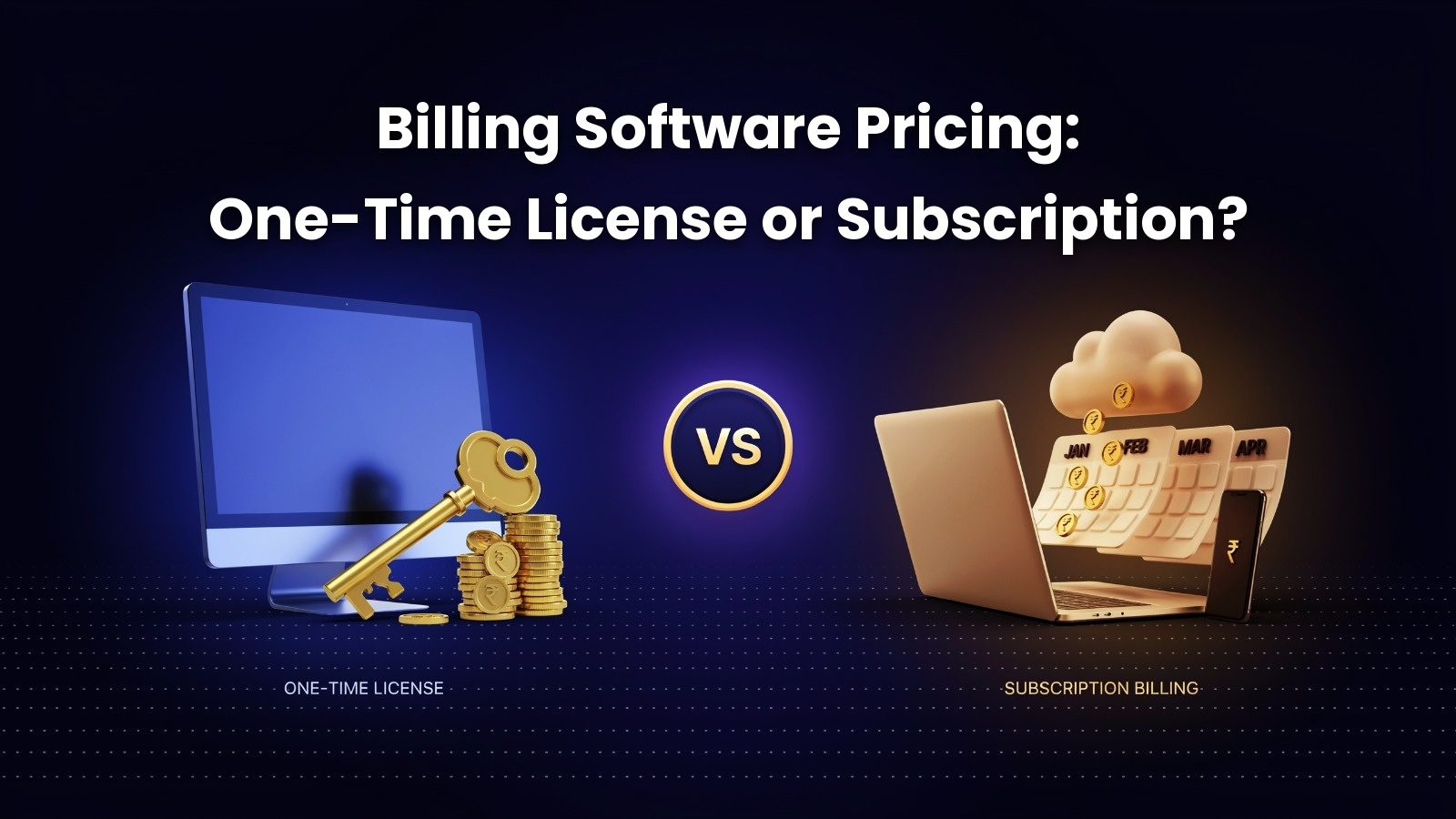
One-Time License vs Subscription Billing Software: Which Saves More?
You run a busy grocery shop in Thrissur, and two billing software quotes sit on your counter. One asks for ₹15,000 once. Meanwhile, the other asks for ₹600 a month. But which one costs less after five years?
That is the real question behind one-time license vs subscription billing software. In fact, both billing software pricing models can save you money. The trick is knowing when each one wins.
In this guide, you’ll learn how each model works as well as where the hidden costs appear. You’ll also get a simple break-even formula and a checklist, so you can choose with confidence.


What Is One-Time License Billing Software?
One-time license billing software is a program you buy with a single upfront payment and use for as long as you like. In other words, you own the right to use that version. It is also called a perpetual license or a lifetime license.
How a Perpetual License Works
First, you pay once, then install the software on your computer and start billing. In general, most one-time licenses run offline on a desktop. As a result, your data stays on your own system, and a slow internet connection won’t stop your counter.
However, the license usually covers a fixed number of users or computers. For example, a single-user license suits one billing counter. A second counter often needs another license.
Pay once
Install on your computer
Start billing
What You May Still Pay After Purchase
Still, here is what many shop owners miss. In reality, “one-time” rarely means zero future costs. Common extras include:
An annual maintenance contract (AMC) for support and updates
Paid upgrades when a major new version launches
Extra user licenses for new counters or branches
Installation and setup, as well as staff training
So, before you buy one-time payment billing software, always ask what happens after year one.
What Is Subscription Billing Software?
In contrast, subscription billing software is a program you rent for a monthly or yearly fee. You can use it for as long as you keep paying. Most subscription plans are cloud based, so you can bill from a computer, tablet or phone.

Monthly vs Annual Subscription Plans
To begin with, monthly plans give you the most flexibility. As a result, you can stop at any time, which helps new or seasonal businesses. On the other hand, annual plans often come with a discount. Multi-year bundles can cut the yearly rate further, although you commit more money upfront.
Monthly Plan
- Stop at any time
- Helps new or seasonal businesses
Annual Plan
- Annual plans often come with a discount
- Multi-year bundles can cut the yearly rate further
- However, you commit more money upfront
What a Subscription Fee Usually Includes
Unlike a perpetual license, the fee typically bundles several things that would otherwise cost extra:
- Regular software updates and new features
- GST rule changes as well as e-invoicing updates
- Cloud backup of your billing data
- Customer support by phone, chat or WhatsApp
- Access from multiple devices
Because of this, the higher long-term price often buys you less day-to-day hassle.
One-Time License vs Subscription Billing Software: Side-by-Side Comparison
Here are the key differences at a glance, so you can compare both models quickly.
| Factor | One-Time LicenseVS | Subscription |
|---|---|---|
| Upfront cost | Higher | Low |
| Yearly cost | Optional AMC after year one | Fixed monthly or annual fee |
| Updates and GST changes | Often through AMC or paid upgrade | Usually included |
| Data storage | On your own computer | On the vendor’s cloud servers |
| Internet needed | Usually no | Usually yes |
| Adding users or branches | Buy extra licenses | Upgrade your plan |
| Cost after 5 years | Usually lower | Usually higher |
| Best for | Stable, long-term businesses | New, growing or multi-location businesses |
Key takeaway: a one-time license costs more on day one but usually less over time. A subscription costs less on day one but adds up every single year.
The True Cost of Billing Software Over 5 Years
At first, the sticker price seems important, but it tells you very little. Instead, to settle the one-time license vs subscription billing software question, look at total cost of ownership (TCO). In short, it includes every rupee you spend to buy, run, update and support the software.
Upfront Cost vs Recurring Cost
Generally, a one-time license hits your cash flow once. Accountants call this capital expenditure (CapEx), since you pay it upfront.
On the other hand, a subscription spreads the cost into smaller regular payments, known as operating expenditure (OpEx).
Overall, neither is automatically better. A new shop with limited capital may prefer OpEx, while an established store may prefer to pay once.
Hidden Costs of Billing Software Most Owners Miss
Moreover, both models carry costs that rarely appear in the first quote. So, watch for these four.
Annual Maintenance Contracts (AMC) and Update Fees
Above all, with a perpetual license, the AMC is the big one. Skip it, and you may lose support and updates. Yet if you pay it every year, your “one-time” software slowly turns into a subscription in disguise.
GST and E-Invoicing Compliance Updates
GST rules change often. For example, invoice formats, HSN code requirements and e-invoicing thresholds get revised over time. Subscription plans, however, usually push these updates automatically. In contrast, with a one-time license, check whether compliance updates are free or tied to AMC. Outdated software can lead to invoice errors and trouble when you file returns on the GST portal.
Price Hikes on Subscription Renewal
Subscription prices rarely stay flat. In fact, renewal rates can climb year after year as vendors add features. Therefore, ask about past price changes before you sign.
Hardware, Backup and Data Migration
For instance, offline software needs a reliable computer and regular backups. Similarly, cloud software needs stable internet. In addition, switching vendors later means paying for data migration and retraining.
Illustrative 5-Year Cost Calculation
So, let’s put numbers to it. Note that the table below uses example figures only, rather than real vendor quotes. It assumes a one-time license at ₹15,000 with a ₹3,000 AMC from year two. It then compares that with a ₹6,000 yearly subscription that rises 10% at each renewal.
| Year | One-Time License (cumulative) | Subscription (cumulative) |
|---|---|---|
| 1st year | ₹15,000 | ₹6,000 |
| 2nd year | ₹18,000 | ₹12,600 |
| 3rd year | ₹21,000 | ₹19,860 |
| 4th year | ₹24,000 | ₹27,846 |
| 5th year | ₹27,000 | ₹36,631 |
| Result | Saves ₹9,631 by year five | Cheaper only in years one to three |
In this case, the subscription stays cheaper for three years. However, the one-time license takes the lead in year four.
Finally, you can find your own break-even point with this simple formula:
Break-even years = (One-time license price − first-year subscription cost) ÷ (yearly subscription cost − yearly AMC cost)
Using flat figures, (₹15,000 − ₹6,000) ÷ (₹6,000 − ₹3,000) = 3 years. After that, replace these numbers with real quotes to see what applies to your shop.
Want us to run these numbers with a real Retail Daddy quote?
Pick the model that matches how your business runs
When Does a One-Time License Save More?
In the one-time license vs subscription billing software comparison, a one-time license usually saves more when:
- You plan to use the same software for four years or longer
- Your business size is stable, with a fixed number of billing counters
- Reliable offline billing matters, especially during internet outages
- You also prefer full control over where your data lives
- Cash is available, so you can pay upfront

For example, think of a family-run textile shop in Kochi that has used one counter for a decade. Once it passes the break-even point, each extra year then costs only the AMC.
When Does Subscription Billing Software Save More?
Many businesses choose subscription billing software in India, and it often wins when:
- You’re starting a new shop and want to protect working capital
- Your business is seasonal, or you’re testing a new location
- You also need billing across several branches or on mobile
- GST updates, backup and support in one fee matter to you as well
- You may switch software soon, within two or three years
Similarly, take a three-branch supermarket that plans to open two more stores next year. In this case, a subscription lets it add users and outlets quickly, without buying new licenses each time.
Cloud Billing Software vs Offline Billing Software: How Deployment Affects Cost
Offline Desktop Billing and One-Time Licenses
Offline billing software installs on your own computer and works without internet. Because of this, it pairs naturally with a one-time license. As a result, you avoid monthly fees, but you handle backups and hardware yourself.
Cloud Billing and Subscription Plans
Cloud billing software runs on the vendor’s servers and syncs across devices. It almost always uses a subscription. You also get anywhere access and automatic backups. On the other hand, your counter depends on the internet, so many shops prefer a hybrid setup that bills offline and syncs later.
many shops prefer a hybrid setup that bills offline and syncs later.Ask About Hybrid Billing
6 Questions to Ask Before Choosing a Billing Software Pricing Model
Before you sign any quote, ask the vendor these six questions:
Then plug the answers into the break-even formula above.
Top Billing Software Options Compared by Pricing Model
Here is how popular billing software for small business owners in India charges. Prices change often, so confirm current plans with each vendor.
| Rank | Software | Pricing model | Best for |
|---|---|---|---|
| 1 | Retail Daddy Billing SoftwareTop Pick | Plans built for retailers (see pricing page) | Retail shops, supermarkets and growing retail businesses |
| 2 | TallyPrime | One-time license with yearly TSS renewal for updates | Businesses needing full accounting |
| 3 | Vyapar | Yearly subscription, free basic mobile app | Micro and small businesses |
| 4 | Marg ERP 9+ | Edition-based plans with yearly charges | Pharma and distribution businesses |
| 5 | Zoho Books | Cloud subscription, limited free plan | Service businesses using other Zoho apps |
1. Retail Daddy Billing Software
Built by Raintech Software Limited in Kochi, Retail Daddy is trusted by 1.5 lakh+ businesses. It also covers GST invoicing, inventory management, and barcode and thermal printing, backed by local support. See current options on the Retail Daddy pricing plans page.
2. TallyPrime
One-time licenseA well-known accounting platform sold as a one-time license, with a yearly TSS renewal for updates.
3. Vyapar
Yearly subscriptionA popular pick for micro businesses, with yearly desktop plans as well as a free basic mobile app.
4. Marg ERP 9+
Edition-basedStrong in pharma and distribution, offered in editions with yearly charges.
5. Zoho Books
Cloud subscriptionA cloud subscription tool that suits businesses already using Zoho apps.
Is a lifetime billing software license really lifetime?
Generally, you can use the version you bought forever. However, “lifetime” rarely covers future updates, GST changes or support. Instead, those often need an AMC or a paid upgrade. So, always read the license terms and ask what is included after the first year.
Which is cheaper for a small shop: one-time or subscription billing software?
For a stable shop that uses the same software for four years or more, a one-time license is usually cheaper. In contrast, for a new, seasonal or fast-growing shop, a subscription often costs less in the short term and keeps cash free.
Do I need to pay for GST updates after buying a one-time license?
It depends on the vendor. Some include compliance updates for a set period, while others tie them to an annual maintenance contract. Since GST and e-invoicing rules change regularly, confirm this in writing before you buy.
What happens to my billing data if my subscription expires?
Terms vary. Some vendors allow read-only access for a while, and others lock the account. Before signing, check that you can export invoices, customers and stock data to Excel.
Can I switch from a subscription to a one-time license later?
Yes, in most cases. However, the main costs are data migration and staff training. Therefore, software that exports data easily makes any switch cheaper.
Final Verdict: Which Billing Software Pricing Model Saves More?
So, in the one-time license vs subscription billing software debate, who wins? For most stable businesses, a one-time license saves more once you pass the break-even point, often around year three or four. On the other hand, a subscription saves more in the early years. It also suits shops that are new, growing or spread across locations.
For most stable businesses, once you pass the break-even point, often around year three or four.
In the early years, and for shops that are new, growing or spread across locations.
In short, the smartest move is simple. Collect real quotes, add every hidden cost and run the break-even formula.
Not sure which model fits your shop?
Talk to our team on WhatsApp, call +91 86060 93110, or talk to a billing software expert today.